Budget Art app icon Android app

Budget Art

The art of knowing your money.

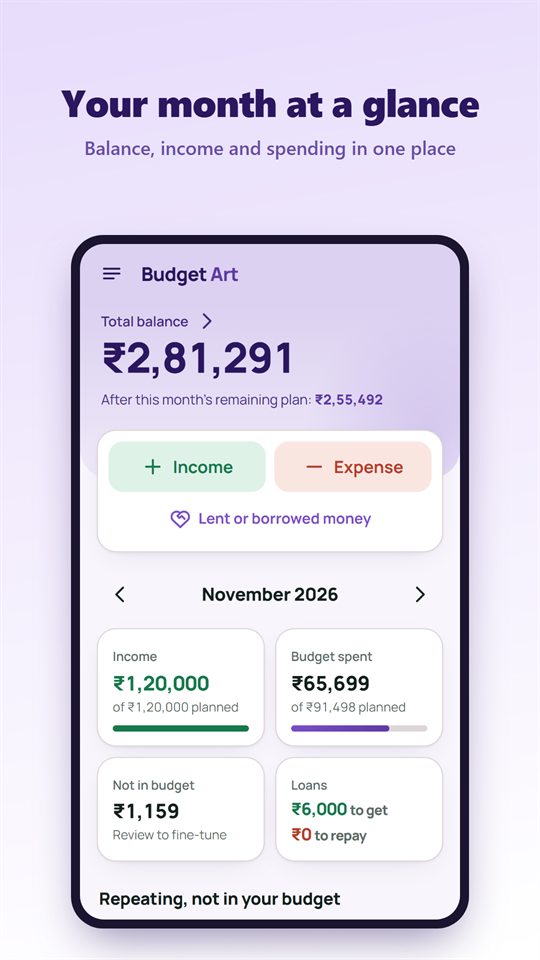
A private budgeting app for your monthly plan. Tick off each payment, see what's left, track loans and get clear suggestions to spend less. Everything stays encrypted on your phone.

  • No account needed
  • No ads or tracking
  • Encrypted on your phone
  • Made in India
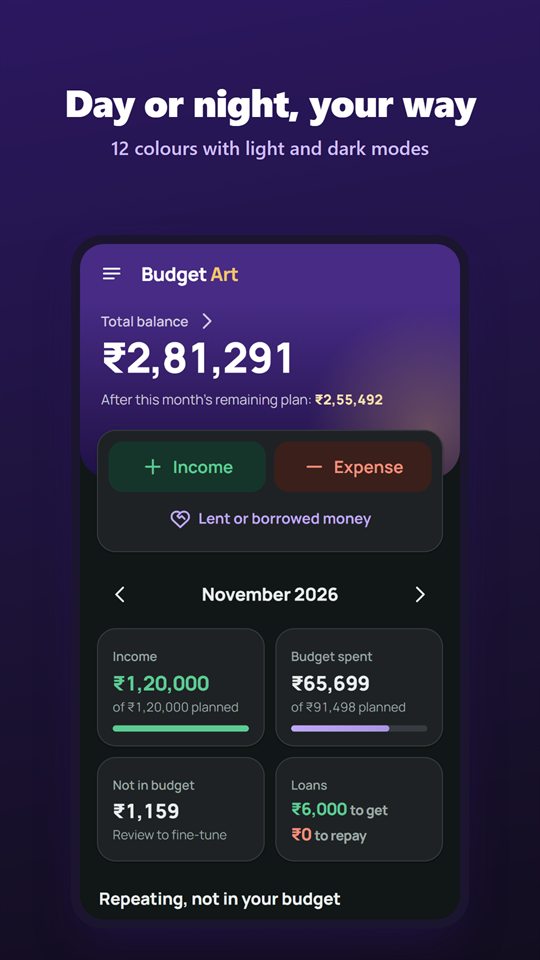
Budget Art home screen showing the total balance, income and spending for the month
What it does

Everything for your monthly money, in one private app.

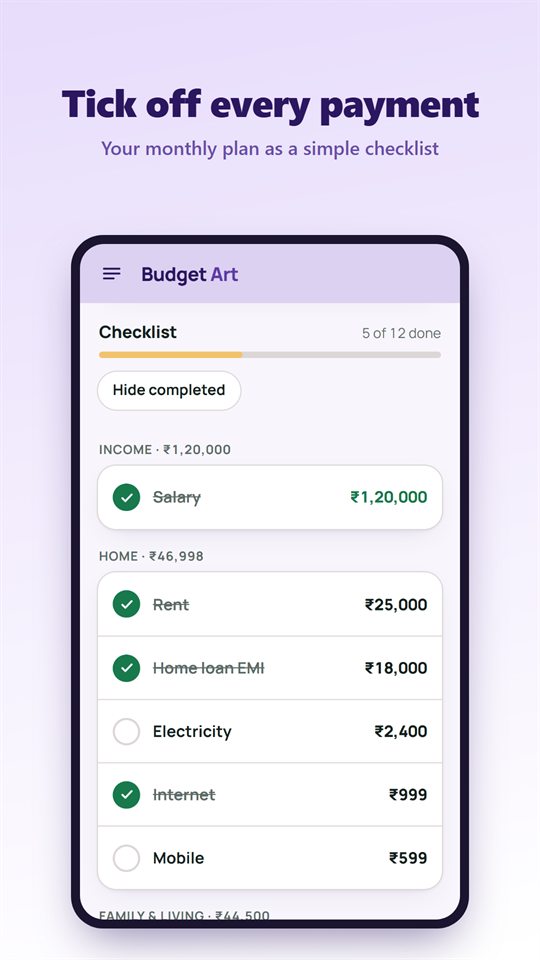
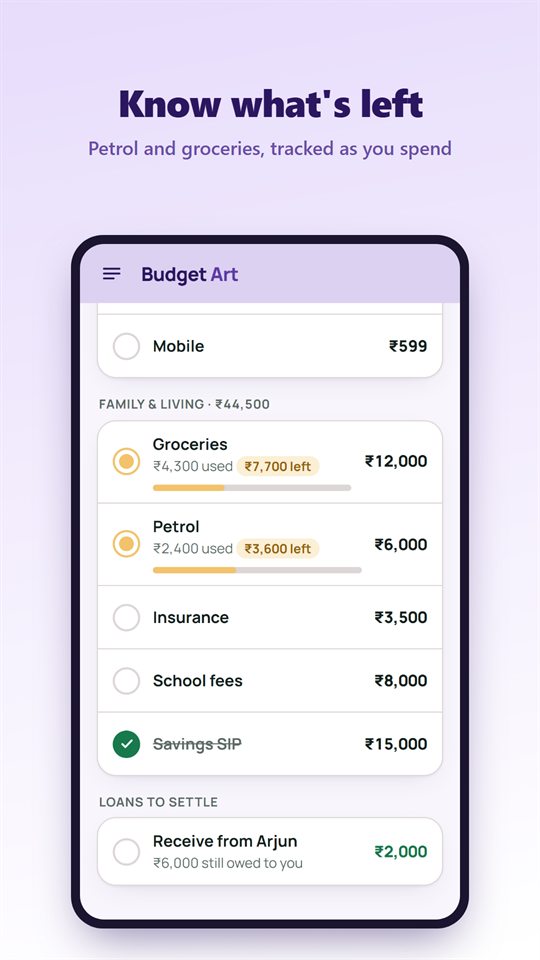
Monthly checklist

Every planned payment, ticked off as you pay it. Items used through the month, like petrol, show what's left or over.


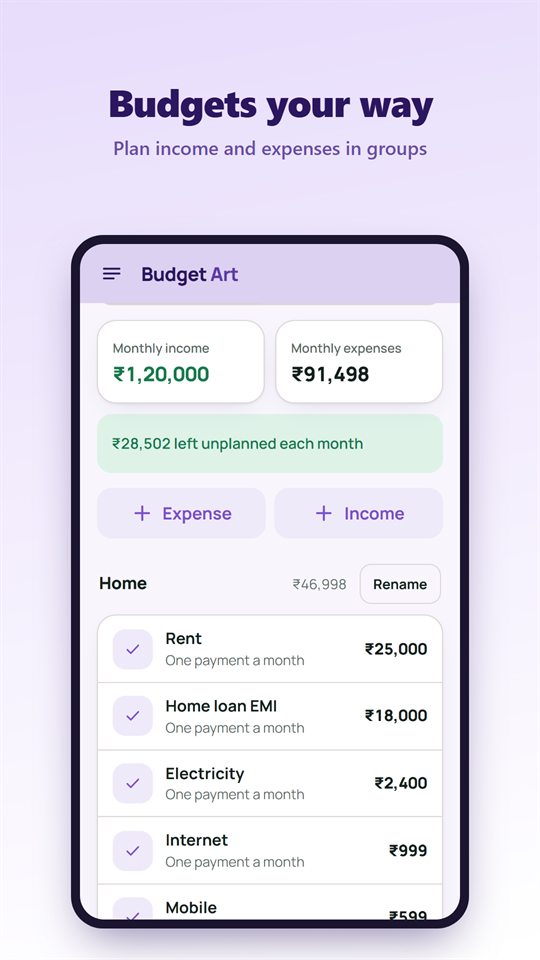
Budgets and income

Plan expenses and income in as many budgets as you like, with optional end months for loans that finish.

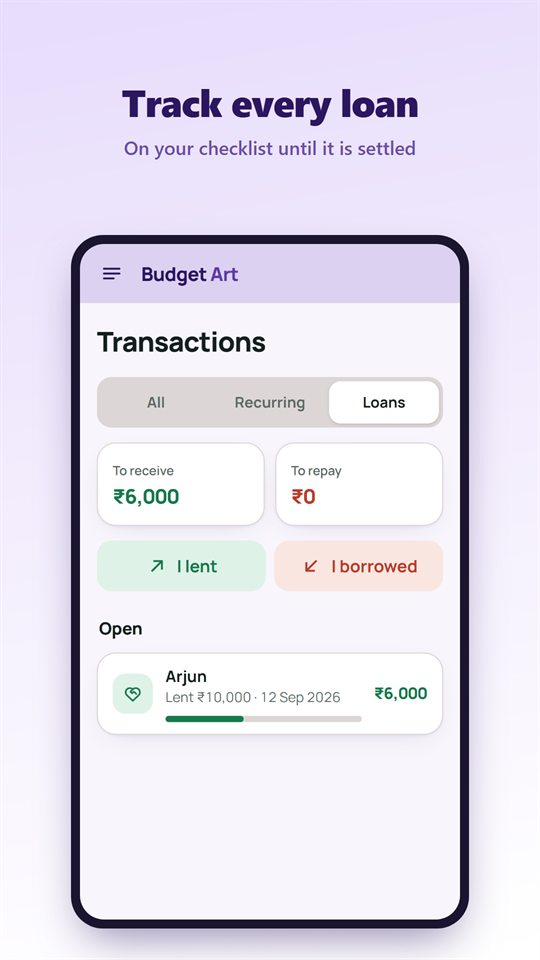
Loans with people

Money you lend or borrow comes back on your checklist every month until it's settled.

Credit cards done right

Card purchases count once. Paying the bill is a transfer, and refunds reduce spending instead of looking like income.

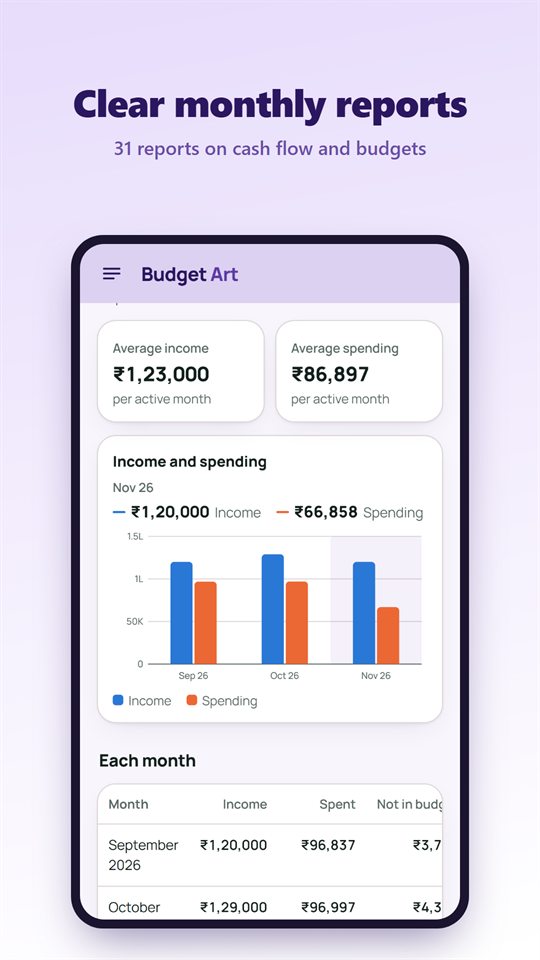
31 reports

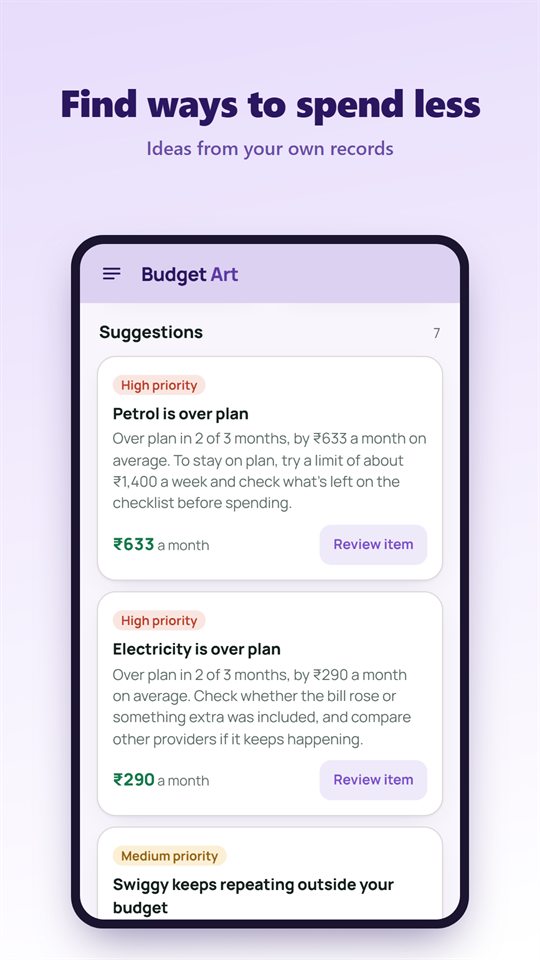
Cash flow, net worth, a 6-month forecast, plan against actual, and suggestions to spend less, based on your own records.

Backup you control

Automatic encrypted backups to your own Google Drive or OneDrive, and restore on a new phone with your password.

Screenshots

See it in action.

Shown with sample data.

Support

Questions and answers

Anything not covered here? Email EXQSiteOrg@gmail.com and we'll help.

Contact support
I forgot my password.For your privacy, it can't be recovered, and nobody else can open your data. If you set a PIN, you can still open the app with it on that phone.
How do I move to a new phone?Back up to Google Drive or OneDrive in Settings, install Budget Art on the new phone, choose Restore backup and enter your password.
Does EXQSite see my data?No. There is no server and no account. Your data stays encrypted on your phone.
How do I delete my data? Uninstall the app, and delete any backup files from your Google Drive or OneDrive. More details.
Private by design

Your finances stay on your phone. We never see them.

Read the privacy policy
WA
An unhandled error has occurred. Reload x

Rejoining the server...

Rejoin failed... trying again in seconds.

Failed to rejoin.
Please retry or reload the page.

The session has been paused by the server.

Failed to resume the session.
Please retry or reload the page.